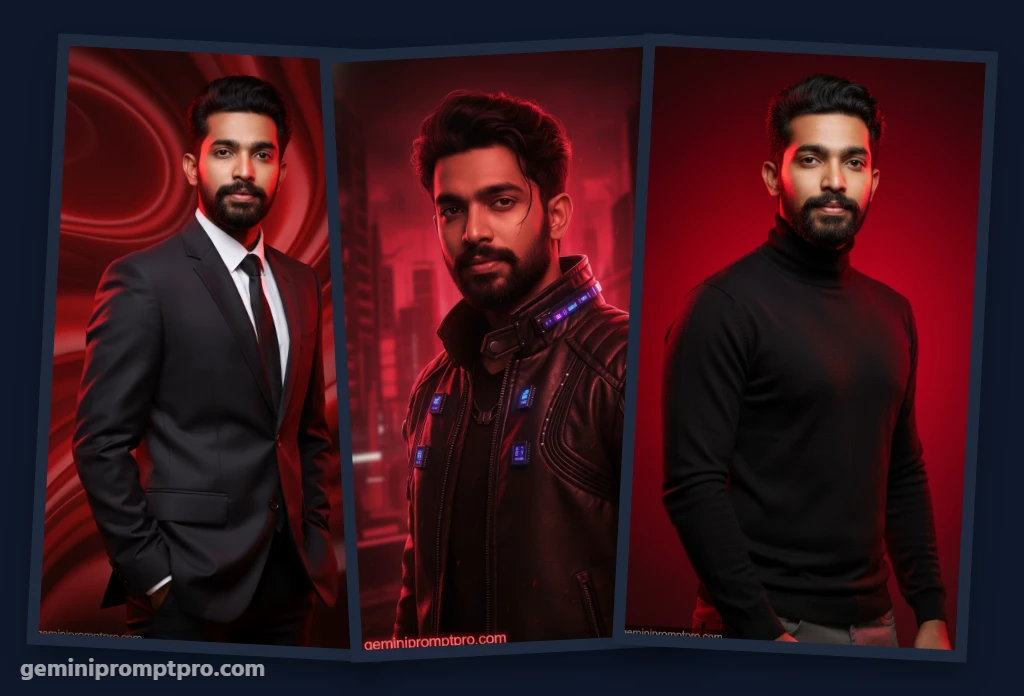
Trending 6 Gradient Red Aesthetic: Best Gemini AI Photo Prompt [Copy & Paste]
Hey creators and digital artists! If you have been scrolling through Instagram or Pinterest lately, you already know that the deep, moody, and passionate “Red Aesthetic” is absolutely dominating the feeds. That smooth transition from deep maroon to vibrant crimson creates a high-fashion, cinematic vibe that makes any profile picture pop.
However, setting up professional RGB studio lights to capture that perfect gradient is incredibly expensive and time-consuming. Welcome back to GeminiPromptPro.com, your ultimate hub for dominating the AI generation game! Today, we are bringing you the absolute best formulas to achieve this striking look using a simple gemini ai prompt.
Whether you want an edgy editorial look or a moody cyberpunk vibe, our curated gemini prompt copy paste collection will transform your casual selfies into stunning, scarlet-drenched masterpieces in seconds. Let’s dive in!
Why the Gradient Red Look is Going Viral
- Intense Visual Impact: Red is the color of power, passion, and energy. A deep gradient red background instantly stops scrollers in their tracks and gives your ai portrait design a premium, magazine-cover quality.
- Flawless Character Consistency: The biggest fear with AI is losing your real face. By utilizing a highly optimized image to image ai edit workflow, our formulas lock onto your exact facial features, ensuring your final image actually looks like you!
- Zero Studio Costs: You do not need to be a lighting expert. Just grab a gemini ai prompt copy paste formula, upload your reference photo, and let the artificial intelligence handle the shadows and gradients!
(Looking to elevate your branding even further? Check out our ultimate guide to AI profile picture optimization for more exclusive strategies!)
🌟 Pro Secret: Try ChatGPT for the Ultimate Image Generation
While Google Gemini is lightning-fast and absolutely essential for locking your facial identity using image-to-image, if you want the absolute highest, mind-blowing quality for your aesthetic backgrounds, you must try these prompts in ChatGPT.
ChatGPT (powered by DALL-E 3) currently excels at rendering hyper-detailed textures, perfectly smooth color gradients, and complex cinematic lighting.
The Ultimate Workflow: Take any gemini prompt from our list below and paste it directly into ChatGPT to generate breathtaking inspiration and background assets. Then, bring those concepts back to Gemini to lock your face onto the aesthetic!
How to Edit Your Gradient Red Portrait (Step-by-Step)
Creating your viral aesthetic edit is a seamless, mobile-first process. Here is how to apply your formulas today:
- Open Google Gemini (or ChatGPT) on your smartphone or desktop browser.
- Tap the “+” (Plus) icon to upload a clear, well-lit, front-facing reference selfie.
- Choose your favorite 8K cinematic prompt from the curated red aesthetic list below and copy the text.
- Paste the formula into the chatbox and hit send! Watch as the AI transforms your photo.


![Viral Neon Aesthetic Young Man Gemini AI Photo, ChatGPT Image Prompts 2026 [Copy & Paste]](https://geminipromptpro.com/wp-content/uploads/2026/04/viral-neon-aesthetic-young-man-gemini-ai-photo-prompts-300x188.webp)

